The Definitive Guide to Solving Slow Post-Event Video Turnaround
Post-event video turnaround is the time between a session ending and its video being published. For most event teams that gap is measured in days, while the social conversation about the event is measured in hours. The fix is not a faster editor; it is moving the edit into the live stream, so session videos and clips are ready within minutes of each talk ending.
This guide explains where the delay comes from, what it costs, and how a real-time workflow works in practice.
What post-event video turnaround means
Post-event video turnaround covers every step between "the speaker walks off stage" and "the video is live on LinkedIn, YouTube or your member platform." That includes copying footage, trimming each session, captioning, branding, making vertical and square versions, approvals and uploads.
Agencies have become faster at this. CinemaViva, a San Diego event production agency, says a standard highlight reel typically takes three to five business days. A review of nine editing services by EchoPulse Media found most promise one to three business days for a standard edit.
Those numbers describe one highlight reel. A multi-room conference produces dozens of sessions and hundreds of possible clips, so the real turnaround for a full program is longer.
The post-event dead zone
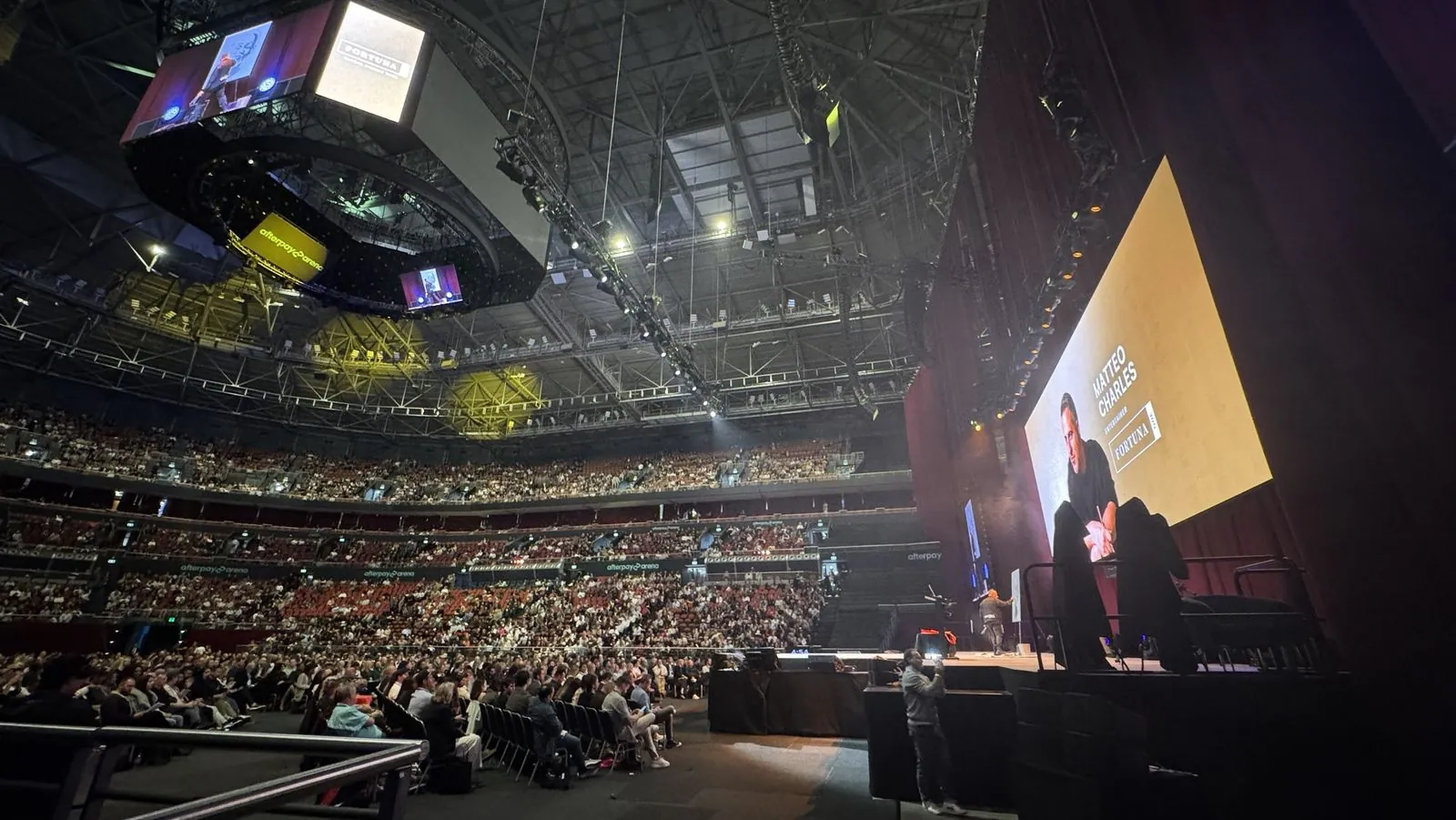
Picture the last afternoon of a three-day conference. The event hashtag is busy, speakers are posting from the green room and attendees are tagging each other in photos.
Then the venue empties. Everwall describes the familiar pattern: within about 48 hours the conversation goes quiet, and it advises teams to front-load their most important follow-up into that window.
The post-event dead zone is the stretch between that peak and the day the videos finally arrive. Content published inside it rides the conversation. Content published after it has to start a new one.
How quickly social attention moves
Scott Graffius's annual analysis of social post half-life puts the average half-life of a post at about 23 hours on LinkedIn and about 18 hours on Instagram. These are per-post averages, not event figures, but they show the scale: feeds move in hours.
A session video that lands three business days later meets an audience already scrolling past something else.
Why traditional post-event video workflows are slow
The delay is structural. Three things make the traditional pipeline slower than the attention window, however good the editors are.
1. Serial dependency
Editing cannot start until footage is transferred, and publishing cannot start until editing ends. Pixel8 Production estimates that a two-camera shoot over three days can produce 500 GB or more, and says sorting that material is where much of the post-event time goes.
2. Variant multiplication
Every session needs a 16:9 replay, vertical 9:16 clips for Reels and Shorts, square 1:1 clips for LinkedIn, captions and branded versions. Each variant is another pass through the timeline.
3. Labor that scales with rooms
Every extra room, stage or session adds editing hours. A four-room, three-day event is 12 room-days of footage. At six hours of sessions per room per day, that is 72 hours of video to trim, caption, brand and reformat.
The architectural fix: edit in the live stream
The effective fix is to move editing upstream, into the live stream itself. If sessions are found and named while the room is still running, there is nothing left to "post-produce" when the stream ends. Branding, captions and reframing become export settings rather than projects.
This is how Eventcut by Edit on the Spot works.
How a real-time workflow runs, step by step
- Stream in. Each room's encoder (OBS, vMix, Wirecast, Blackmagic, AJA or NewTek) streams to an Eventcut stream key over RTMPS, or SRT on Enterprise. Cameras, crew and show design stay the same.
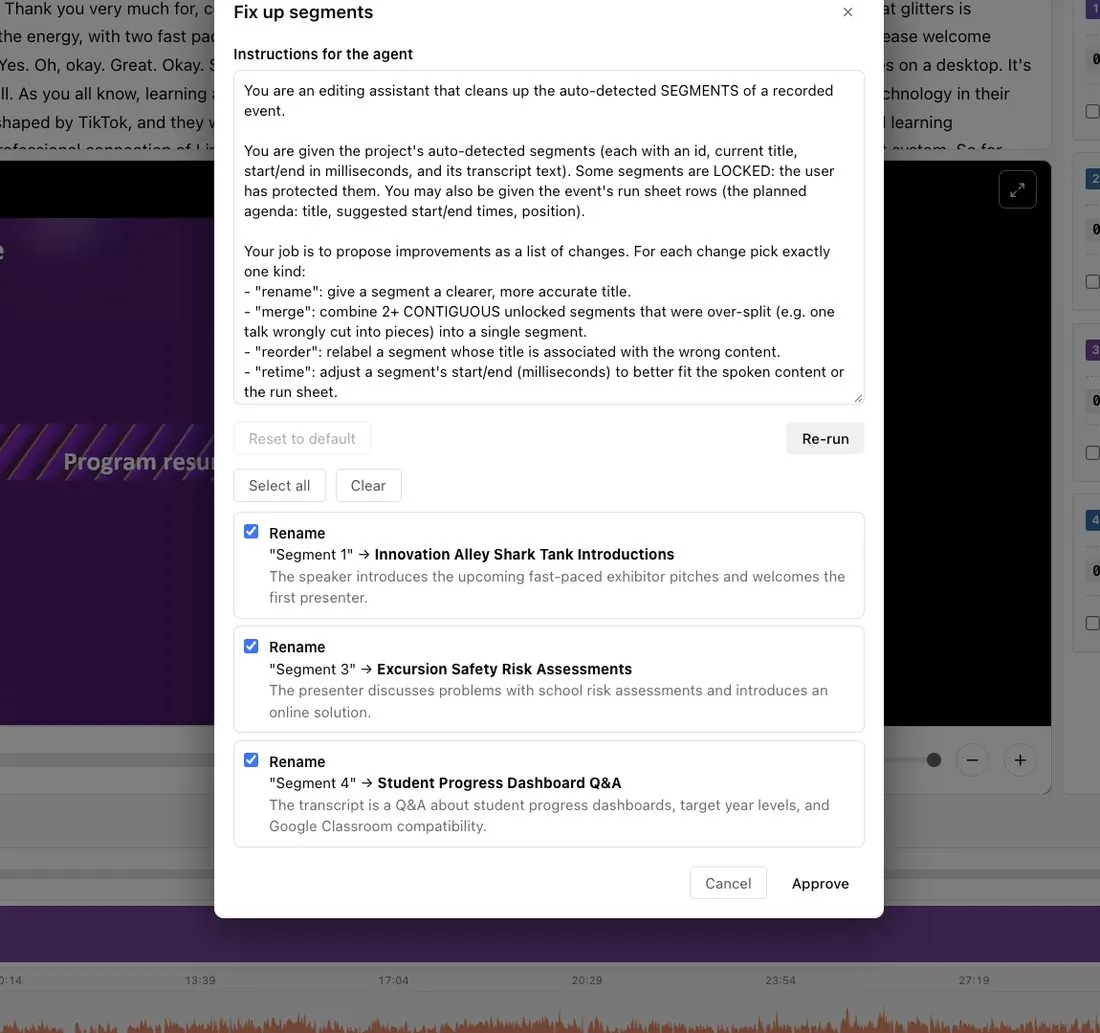
- Sessions are found as they happen. AI reads the live transcript, the audio waveform and the video frames, using applause and speaker changes to find where each session starts and ends.
- Sessions are named from your runsheet. Upload your agenda as a CSV and each segment arrives named and matched to its speakers.
- Clips and quotes are suggested. Anyone on the team can select words in the live transcript to cut a clip, and Eventcut suggests more clips as each session ends. Quote Detection ranks the strongest lines across a full day.
- Branding and formats are applied at export. Your Brand Kit adds the intro, outro, logo and fonts. Clips under six minutes are reframed to 9:16 and 1:1 automatically, following the speaker.
- Videos are delivered cloud-to-cloud. Finished files go to YouTube, Google Drive, Wowza or JW Player, to speakers by email (Enterprise), or out through a view-only link.
The result is a session video ready within minutes of the talk ending. Our measured figure is 10 minutes from session end to published clip, and checking the session boundaries of a six-hour day typically takes about 10 minutes.
Traditional vs real-time post-event video delivery
| Step | Traditional post-production | Real-time workflow (Eventcut) |
|---|---|---|
| Session recordings | Days of editing | Minutes after the session ends |
| Social clips | Scrubbing through footage by hand | Suggested from topics, applause and speaker changes |
| Quotable moments | Watching everything back | One-click Quote Detection |
| Branding | Applied per file, per editor | One-click Brand Kit |
| Vertical and square | Each format re-edited | Automatic 9:16 and 1:1 reframing |
| File transfer | Upload, download, repeat | Cloud-to-cloud, no downloads |
| Several rooms | One editor per room | Every room monitored at once |
What faster turnaround changes for each team
Marketing teams
Clips go out while people are still talking about the event. Bizzabo's 2026 benchmark reports that 45% of event teams run with one to three people, so removing manual editing steps matters more than adding headcount.
Speakers
Speakers already have an audience. When each speaker receives a polished clip of their session on the day, your event travels through their networks while it is still fresh.
Sponsors
A sponsor overlay on the right sessions, delivered during the event, gives sponsors something to share rather than a logo count in a report. See what to promise sponsors and what you can ship the same day.
How to start reducing post-event video turnaround
You do not need to change your whole operation at once. Run a real-time workflow in parallel on one room at your next event, and keep your existing recording as a backup.
- Pick one room with a runsheet and a stable encoder.
- Set up your Brand Kit before doors open: intro, outro, logo and caption style.
- Decide the outputs you want each day: full sessions, two or three vertical clips per talk, a sponsor package.
- Measure the time from each session ending to its video being published.
If you run several rooms, read how to automate conference video delivery across rooms, or see Eventcut Enterprise for multi-room and multi-client work.
The bottom line
Teams that cannot publish while the conversation is live should not add editors. They should change where the edit happens, so the session video exists before the next session starts.