Event Sponsor Video Deliverables: What You Promised vs. What You Can Ship Same-Day
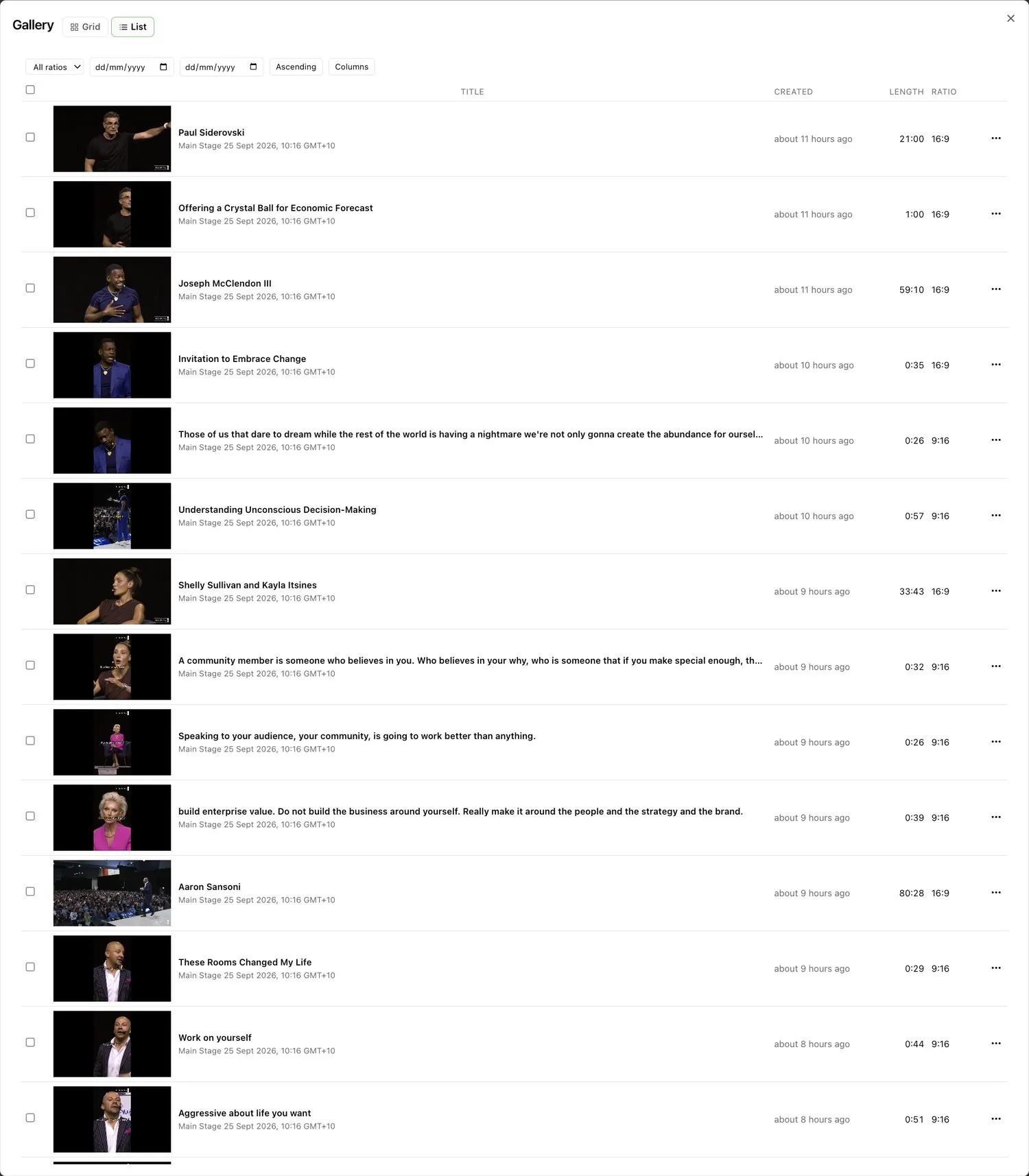
Event sponsor video deliverables usually arrive after the sponsor has stopped caring: weeks later, in a shared folder, with a logo count attached. The fix is to define the deliverables before the event and produce them from the live stream, so each sponsor receives branded videos they can share while their team is still on site.
What sponsors actually expect from event video
Sponsors buy visibility, but renewals depend on proof. HeySummit's sponsor report guide recommends sending the report once the data is reliable, often within a few days to two weeks, with screenshots and replay placements as evidence.
Video is the strongest evidence you can give. A clip of the sponsor's session, with their branding, posted by their team the same day, shows value in a way a logo count cannot.
Common event sponsor video deliverables
Most sponsor packages include some mix of these:
- The sponsored session, trimmed and branded with the sponsor's intro or outro.
- Short clips of the sponsor's speaker in vertical and square formats.
- Mentions of the sponsor on stage, cut into a single reel.
- Logo placement on session videos from a sponsored track or stage.
- A replay link for the sponsor's own channels.
The problem is rarely the list. It is that each item is produced by hand, after the event, by the same editors working on everything else.
What you promised vs. what you can ship
| Deliverable | Traditional turnaround | Same-day with live editing |
|---|---|---|
| Sponsored session video | After the event, in the editing queue | Minutes after the session ends, with the sponsor's intro and outro |
| Vertical and square clips | Re-edited for each format | Clips under six minutes reframed to 9:16 and 1:1 automatically |
| Every on-stage mention | Someone scrubs hours of footage | Search the transcript for the sponsor's name and clip each mention |
| Branded overlays | Applied per file | Sponsor overlay on individual clips, Brand Kit on the rest |
| Delivery | Download, upload, email | Cloud-to-cloud, or a view-only link |
How to plan event sponsor video deliverables before the event
Write the deliverables into the package
Be specific: which sessions, how many clips, which formats, and when. "Within one hour of your session ending" is a promise you can keep with live editing; "highlights to follow" is not a deliverable.
Collect sponsor assets early
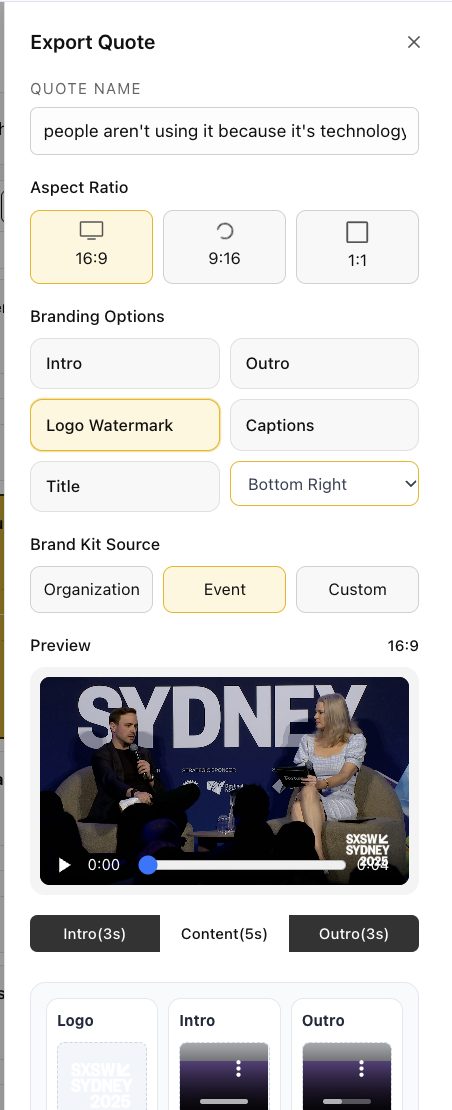
Ask each sponsor for a logo (PNG, JPEG or WebP), an intro or outro (PNG or MP4) and any title card. In Eventcut, each Event can carry its own brand kit, and sponsor overlays can go on individual clips.
Put the sponsor's sessions in the runsheet
The runsheet names each session automatically, so the sponsor's sessions are labeled the moment they are found. On Enterprise, add speaker emails so the sponsor's speaker receives their session in one click.
Shipping sponsor videos same-day with Eventcut
Here is how a sponsored session runs on the day:
- The session streams from the room's encoder to its Eventcut stream key.
- AI finds where the session starts and ends, and names it from the runsheet.
- Your team applies the sponsor's intro, outro or overlay and exports.
- The video goes to the sponsor's own account through an integration on their Event, or through a view-only link.
- During the day, someone searches the transcripts for the sponsor's name and cuts each mention into clips.
Session videos are ready within minutes of each talk ending: 10 minutes from session end to published clip in our measurements.
Turning deliverables into renewals
A sponsor whose team posted three branded clips during the event has a story to take to their own marketing lead. That is a renewal conversation, not a reporting obligation.
Video can also become a product of its own: a sponsor video package, priced and sold, rather than a line hidden in a bundle. For the measurement side, read how to prove event ROI with content yield.
Start with one sponsor
Pick your most engaged sponsor and promise them same-day video at your next event. Run it on Eventcut Enterprise for multi-room programs, or test the workflow on one room with Eventcut Pro. The guide to post-event video turnaround covers the full workflow.