OpusClip for Conferences? Why Post-Hoc Clipping Tools Break at Multi-Room Events
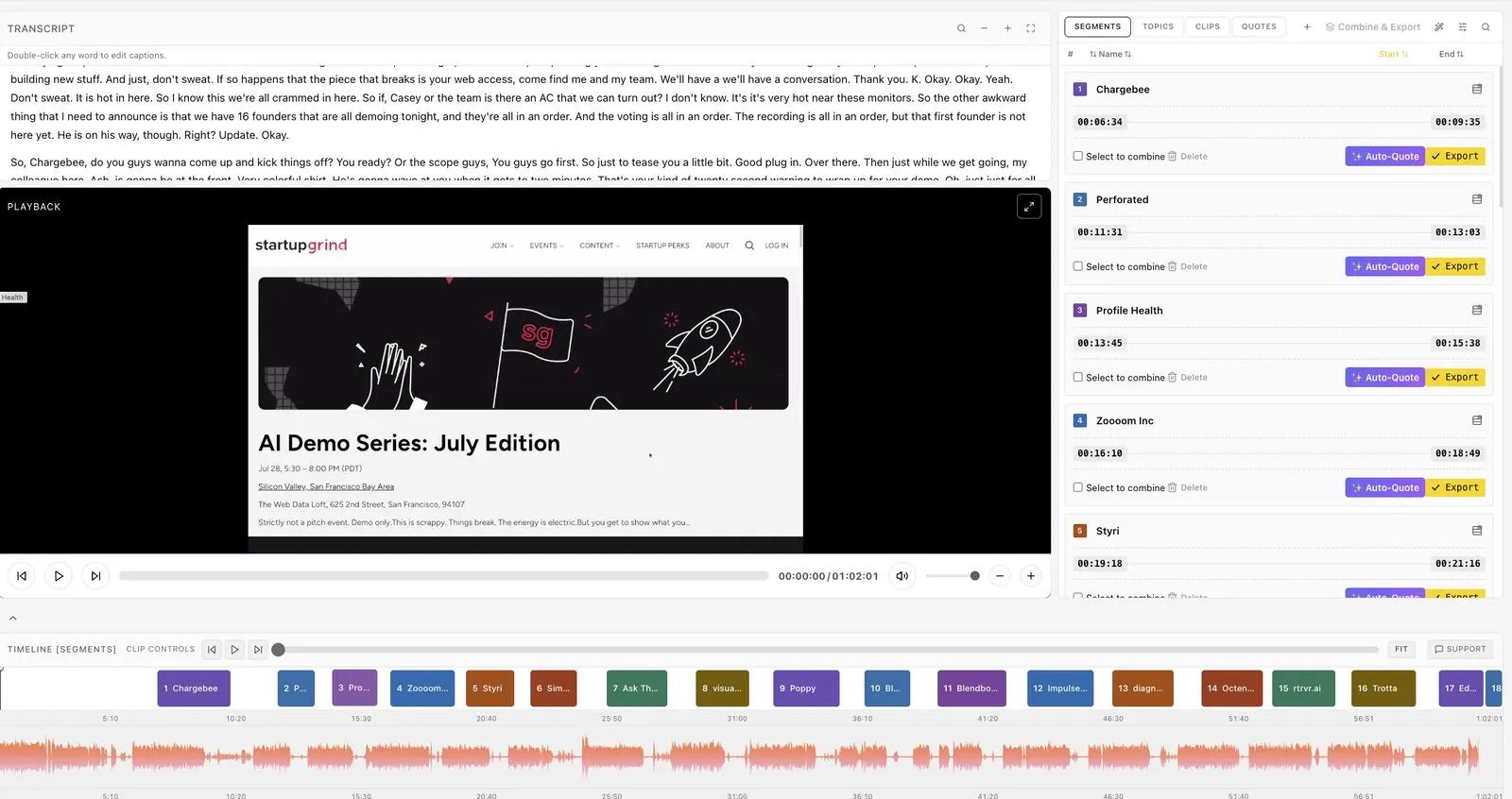
OpusClip is good at one job: taking a long video and turning it into short, social-ready clips. Conferences need that job done, but they also need every session trimmed, named and delivered, across several rooms, to speakers and sponsors, while the event is running. This guide compares the two models so you can decide whether you need an OpusClip alternative for conferences, or both.
Is OpusClip a good fit for conferences?
For a single keynote you upload after the event, OpusClip does what it says. Its help center describes the workflow: import a long video, set the aspect ratio, clip length and timeframe, generate clips, edit them, apply a brand template, then publish or schedule to social platforms.
Its ClipAnything model uses visual, audio and sentiment cues to find moments, and clips can be exported as XML for Premiere Pro or DaVinci Resolve. For creators and marketing teams repurposing webinars or podcasts, that is a strong fit.
The friction starts when the source is a conference program rather than one video.
Where post-hoc clipping breaks at multi-room events
It starts from a recording, or from chunks of one
OpusClip's main workflow begins with a finished video. It also offers Live Clipping, a private beta in Opus Labs, which records a live stream while it airs and sends it to OpusClip in chunks of 15 minutes, 30 minutes or an hour.
That is closer to live, but the help docs say the first chunk reaches OpusClip only after about one chunk length, plus processing time. A 45-minute keynote may not produce clips until well after the speaker has left the stage.
It is built around clips, not sessions
A conference needs more than highlights. Speakers want their full session, trimmed and branded; associations want every education session for their member library; sponsors want their session with their logo on it.
OpusClip's workflow centers on short clips from long videos. We did not find runsheet import or automatic naming of sessions from an agenda in its help docs.
Speakers, sponsors and clients are outside the workflow
Event teams also deliver to people: each speaker gets their session, each sponsor gets their branded clips, each client sees only their own event. We did not find speaker delivery from an agenda, per-clip sponsor overlays or client-scoped access described in OpusClip's documentation.
Credits scale with every minute recorded
Live Clipping uses about one credit per minute recorded, according to the same help page, and overlapping chunk minutes are counted twice. Across four rooms and three days, that is a lot of minutes to budget for clips alone.
How live session editing works instead
Eventcut takes a different starting point: the event's live stream, room by room.
- Every room gets a stream key. Your encoder (OBS, vMix, Wirecast, Blackmagic, AJA) points at Eventcut over RTMPS, or SRT on Enterprise.
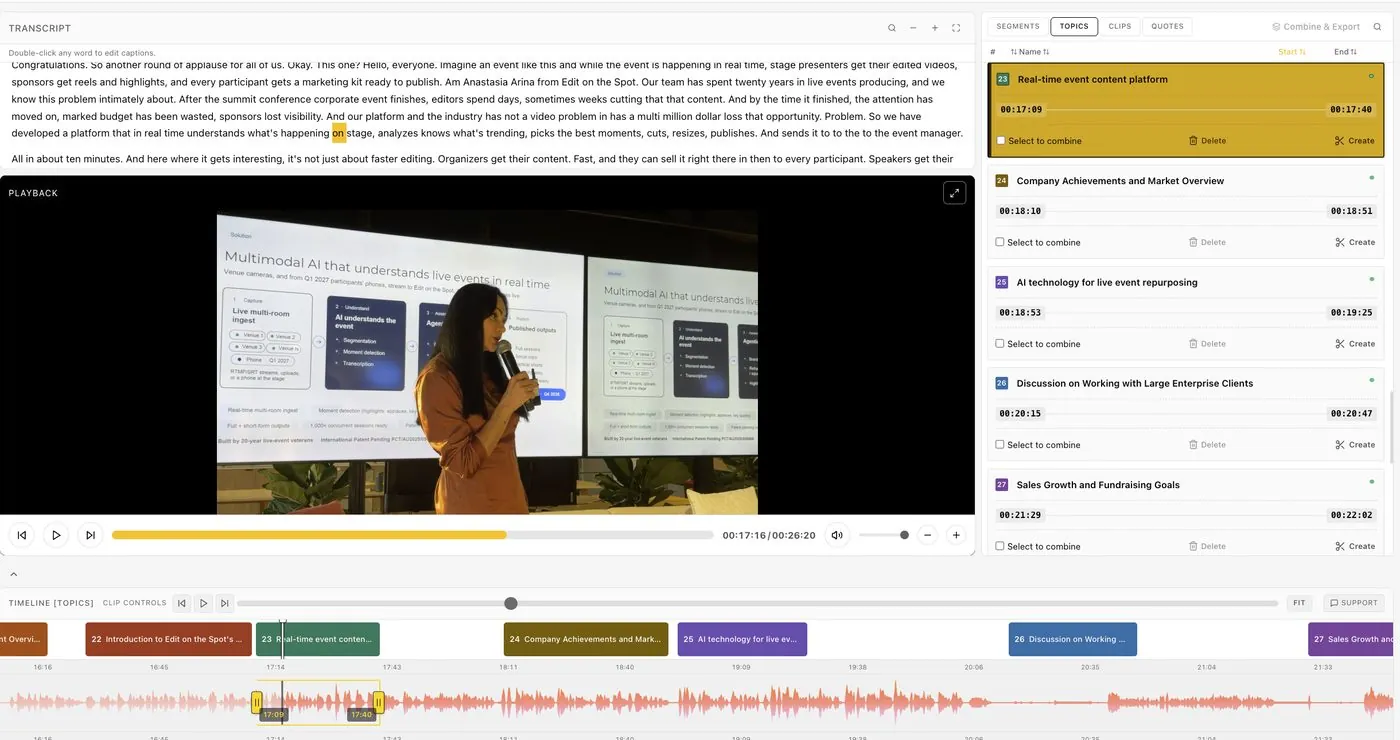
- Sessions are found while they happen. AI uses the transcript, audio waveform and video frames, including applause and speaker changes, to find where each session starts and ends.
- Sessions are named from your runsheet. Upload the agenda as a CSV, and each segment arrives with the right title and speakers.
- Clips come from the live transcript. Select words while the speaker is talking to cut a clip, and Eventcut suggests more as each session ends.
- Formats and branding are export settings. Clips under six minutes are reframed to 9:16 and 1:1 automatically; your Brand Kit adds the intro, outro, logo and caption style.
- Delivery is part of the job. Send each session to its speaker in one click (Enterprise), push videos to YouTube or your cloud, or share a view-only link.
Session videos are ready within minutes of each talk ending: 10 minutes from session end to published clip in our measurements.
OpusClip vs Eventcut for conferences
| OpusClip | Eventcut | |
|---|---|---|
| Starting point | Uploaded video; Live Clipping beta in 15–60 minute chunks | Each room's live stream, edited as it runs |
| Main output | Short social clips | Full session videos, clips, quotes, transcripts and captions |
| Session naming | Not described in help docs | Named from your runsheet |
| Multi-room | Multiple streams in Live Clipping beta, with shared recorders | One stream key per room, every room on one dashboard |
| Speakers and sponsors | Not described in help docs | One-click speaker delivery and sponsor overlays |
| Client access and white label | Not described in help docs | Client-scoped Events and white label on Enterprise |
| Pricing model | Credits, about one per minute for Live Clipping | Pro: US$79.95 a month for 10 hours; unlimited clips |
OpusClip details come from its help center as of November 2026. Check the current docs before you decide.
When to use OpusClip, Eventcut, or both
Use OpusClip if you are repurposing a handful of recordings after the event and the goal is viral short-form clips.
Use Eventcut if you need every session in every room trimmed, branded and delivered during the event, with speakers, sponsors and clients in the loop.
Use both if your social team already likes OpusClip's editor. Eventcut can deliver the finished sessions the same day, and your team can still run a favorite session through another tool afterwards.
Try it on one room
The quickest test is your own event. Run Eventcut on one room in parallel with your current workflow and compare the time from session end to published clip. Start with the Pro free trial, or see Enterprise for multi-room programs. For the bigger picture, read the guide to post-event video turnaround.