Grabyo Alternative for Conferences: Live Clipping Without a Broadcast Crew
Grabyo is a capable cloud production and live clipping platform, built with broadcasters, sports organizations and publishers in mind. Conference teams evaluating it often find the model assumes editors clipping each stream by hand and pricing by running hour. If you need every session in every room trimmed, named and delivered automatically, you may need a Grabyo alternative for conferences, or a different job split between the two.
What Grabyo does well
Grabyo's pricing and packaging page lists five product areas: live cloud production, clipping and editing, vertical video production, streaming and publishing, and monetizing video content.
It says its enterprise support is best for broadcasters, production companies, agencies, sports and larger enterprises. A testimonial from Crystal Palace FC describes editors clipping and exporting highlights in real time. For a sports broadcast with a dedicated social desk, that is a strong fit.
How Grabyo is priced
According to the same page, Grabyo charges per running hour, starting at $10 an hour for its Streaming package and $50 an hour for Production. Live clipping is an add-on to Grabyo Live packages, from $15 to $45 an hour depending on the package, and Grabyo Studio is $45 an hour on demand or $1,750 per DVR per month on an always-on basis.
AI captions and AI vertical tracking are further add-ons. The page also refers to a minimum annual hours commitment and a $1,000 minimum. Check the current page before you budget, because packages change.
Where conferences differ from broadcasts
A broadcast has one main feed and a team watching it. A conference has many rooms, a printed agenda and dozens of people who each need their own video.
Sessions, not highlights
Conference teams need every session as a finished video, not only the best moments. Speakers expect their full talk, and associations want every education session for their library.
An agenda to follow
Conferences run to a runsheet. A system that knows the agenda can name each session and match it to its speakers automatically. Grabyo's pricing page does not describe runsheet-based session naming.
People to deliver to
Speakers, sponsors and clients each need their own videos, branded correctly, delivered without someone building folders by hand.
Small teams
Bizzabo's 2026 benchmark reports that 45% of event teams have one to three people. A clipping desk per room is not realistic for most of them.
How Eventcut handles live clipping for conferences
Eventcut is built for conference programs rather than broadcasts.
- One stream key per room. Your existing encoder streams over RTMPS, or SRT on Enterprise. No new production stack.
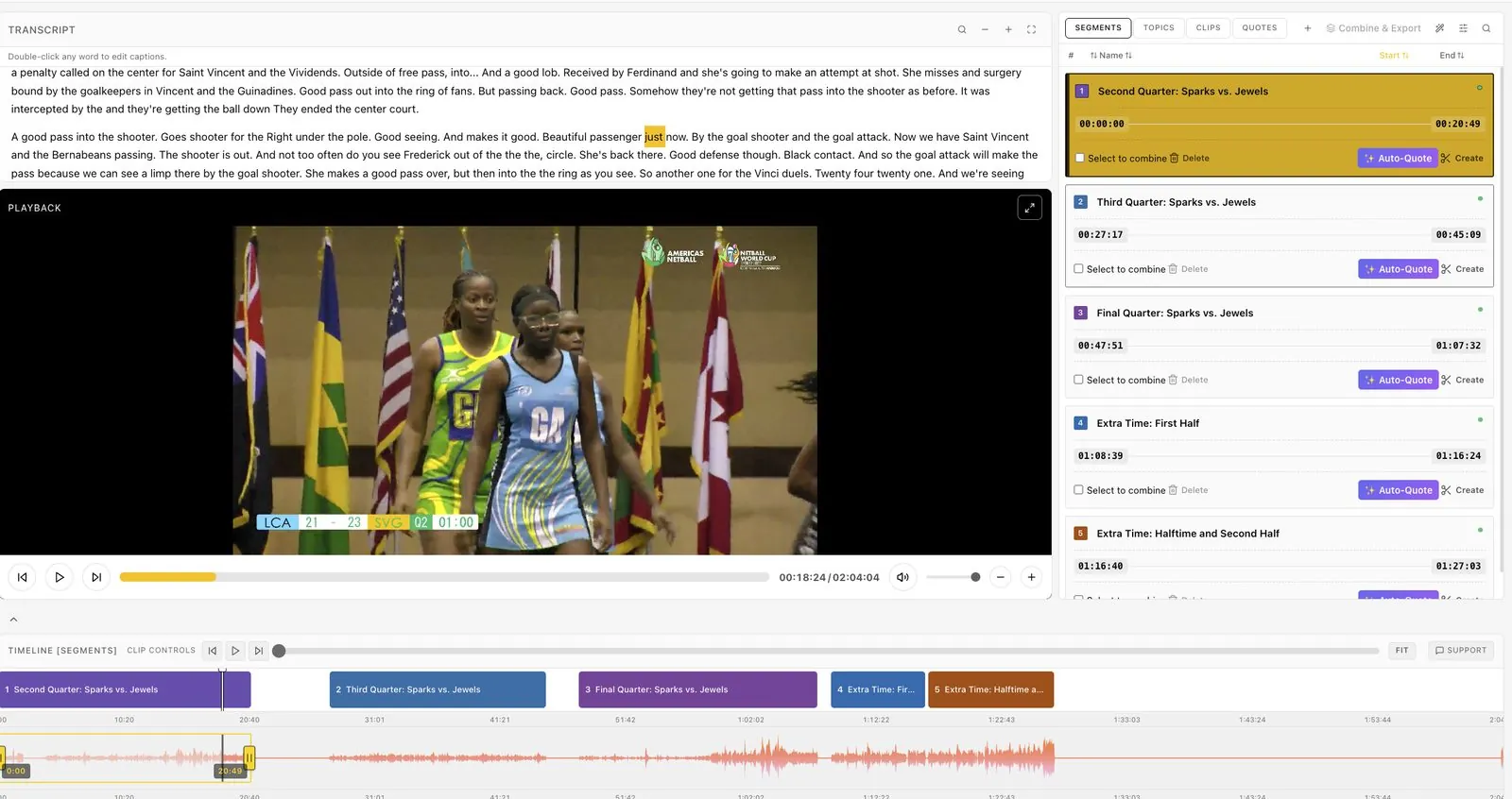
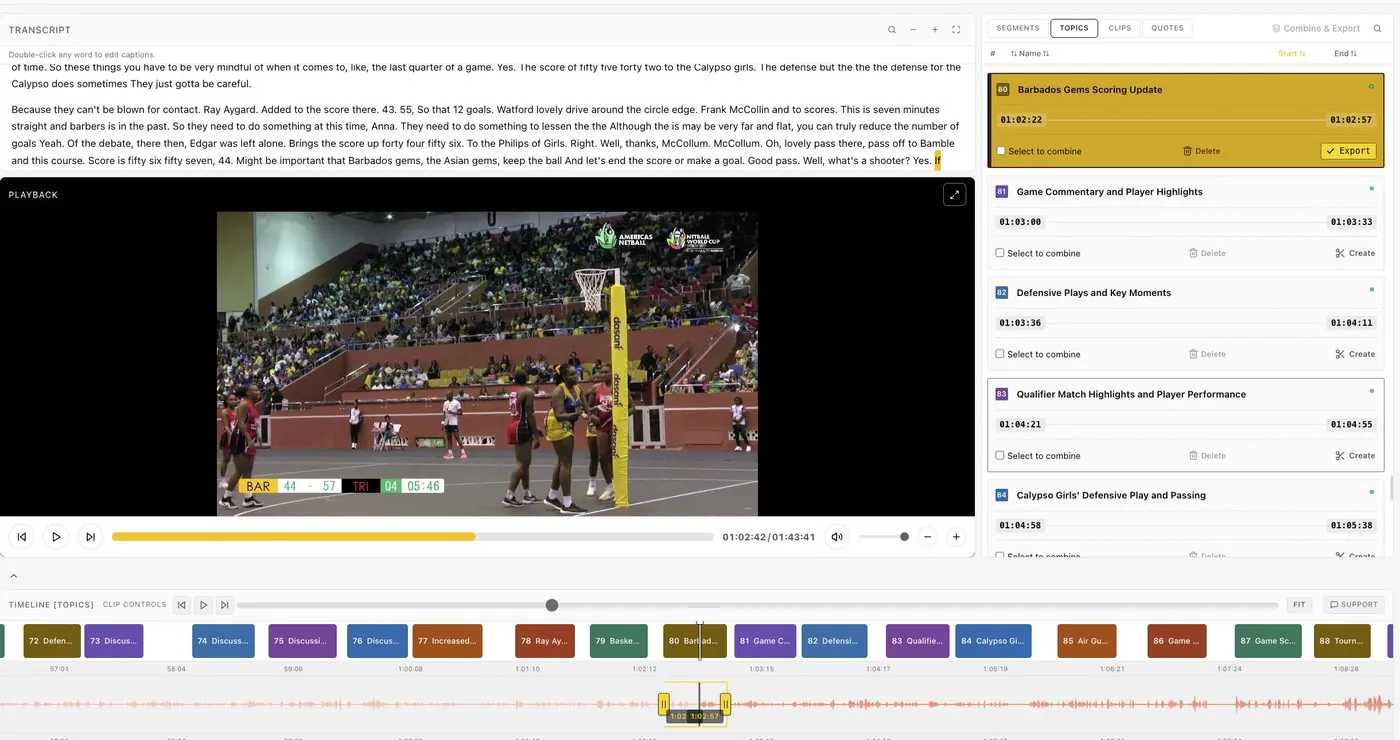
- Sessions found automatically. AI uses the transcript, audio waveform and video frames to find where each session starts and ends.
- Named from your runsheet. Each segment arrives with its title and speakers.
- Clips from the live transcript. Anyone can select words to cut a clip while the speaker is talking, and more clips are suggested as each session ends.
- Formats and branding at export. 9:16 and 1:1 reframing for clips under six minutes, with your Brand Kit or a per-event kit.
- Delivery to people. One-click delivery to speakers from the runsheet, sponsor overlays, and client-scoped Events on Enterprise.
Grabyo vs Eventcut for conferences
| Grabyo | Eventcut | |
|---|---|---|
| Built for | Broadcasters, sports, publishers, agencies | Conferences, associations, corporate events, AV partners |
| Clipping model | Editors clip and publish from live feeds | Sessions found and named automatically; anyone can clip from the transcript |
| Agenda awareness | Not described on the pricing page | Sessions named from your runsheet |
| Full session videos | Possible with editing | Every session, within minutes of ending |
| Speakers and sponsors | Not described on the pricing page | One-click speaker delivery, sponsor overlays |
| Pricing | Per running hour plus add-ons; annual minimum | Pro US$79.95 a month for 10 hours; Enterprise on seats and event hours |
Grabyo details come from its pricing page as of November 2026.
When each one fits
Grabyo fits a broadcast-style production: a main feed, a social desk and editors clipping highlights for sports or news audiences.
Eventcut fits a conference program: many rooms, an agenda, and a small team that needs every session delivered during the event.
See it on your own event
Run one room through Eventcut at your next conference and measure the time from session end to published clip. Start with Eventcut Pro, see Enterprise for multi-room work, compare Restream Clips for events, or read the guide to post-event video turnaround.